
Ask the AI agent
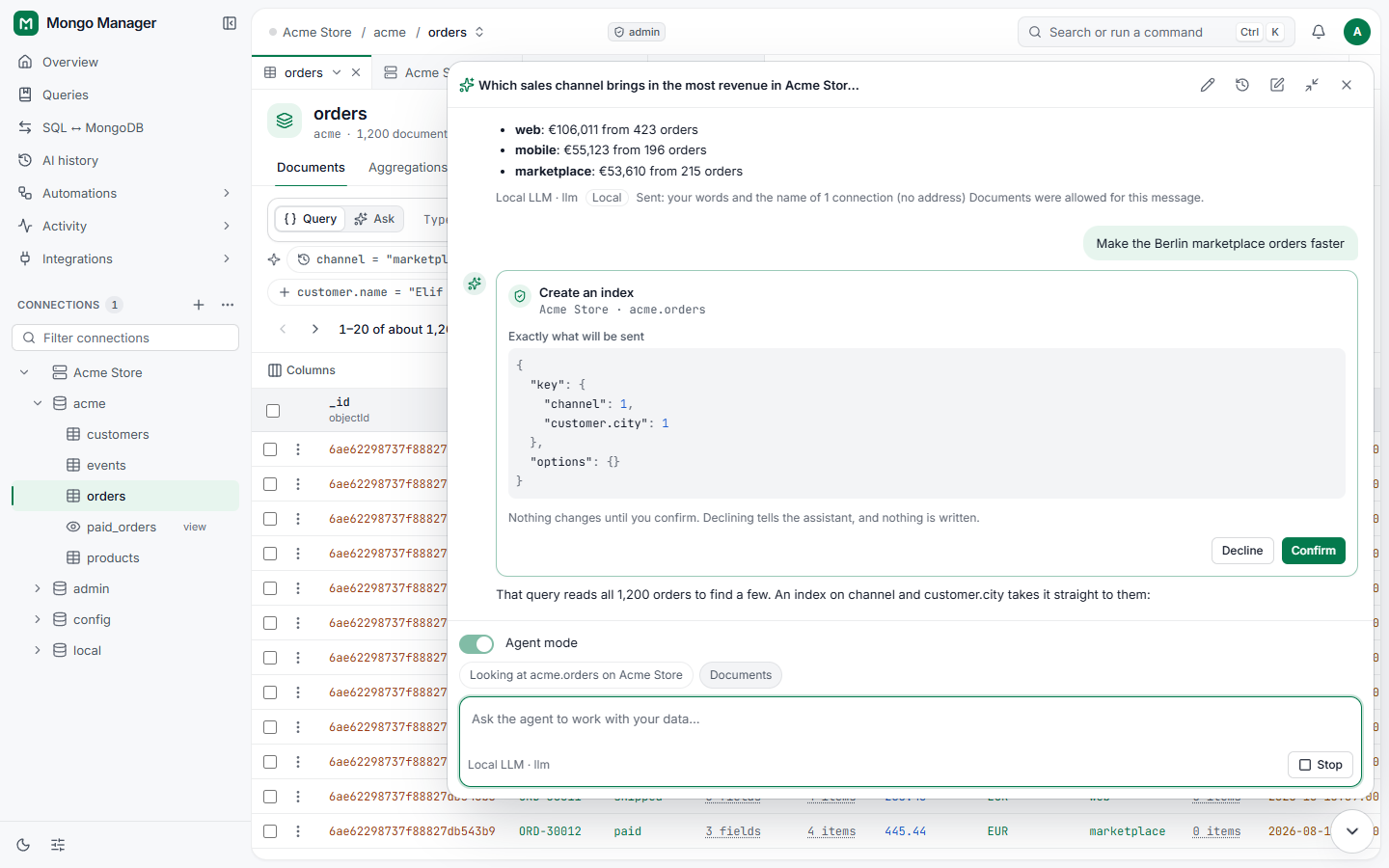
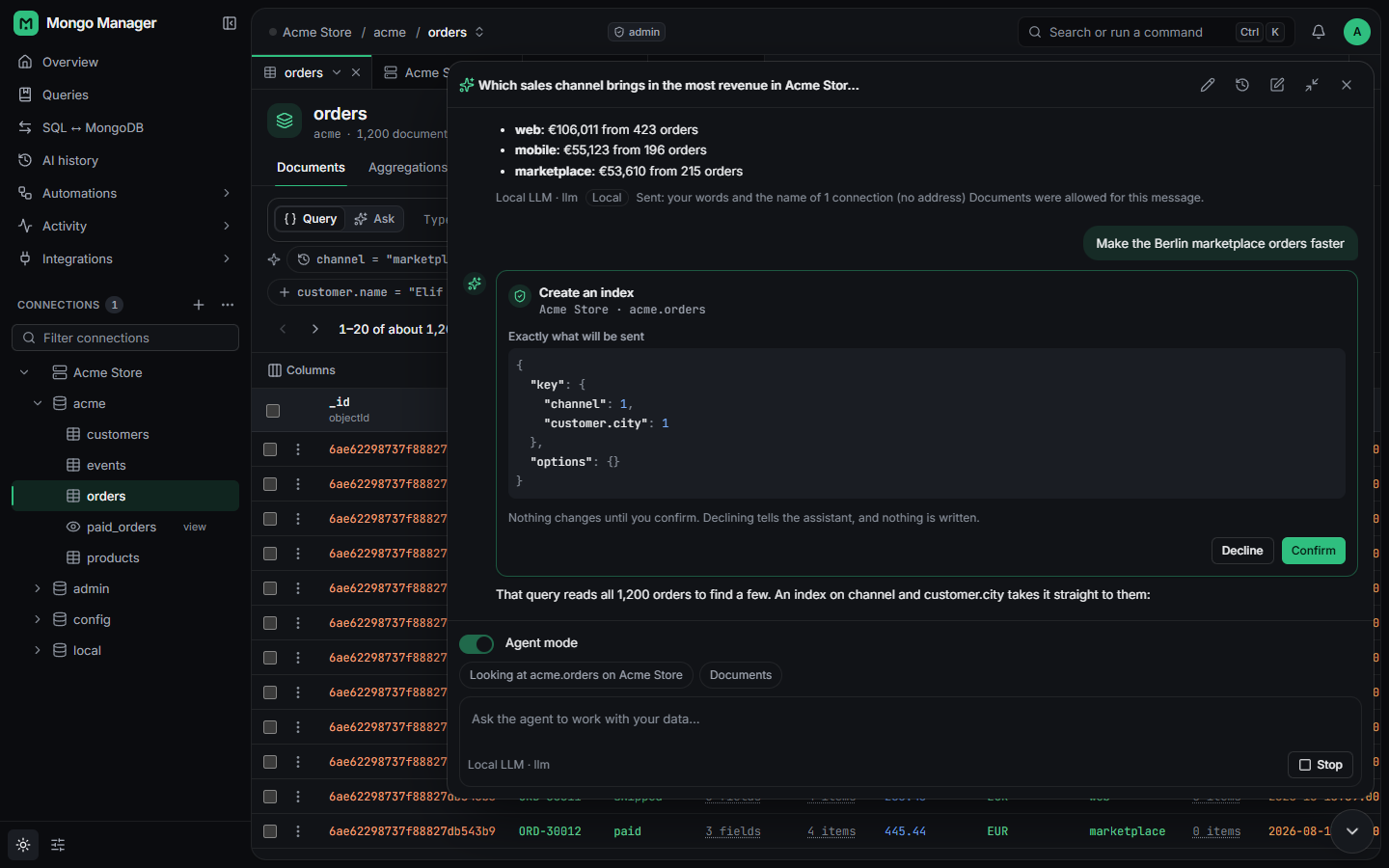
It answers from your data — writing and running the query or pipeline it needs — and proposes each change on a card: confirm it, or decline and nothing is written.
Self-hosted · Works offline · Free to use
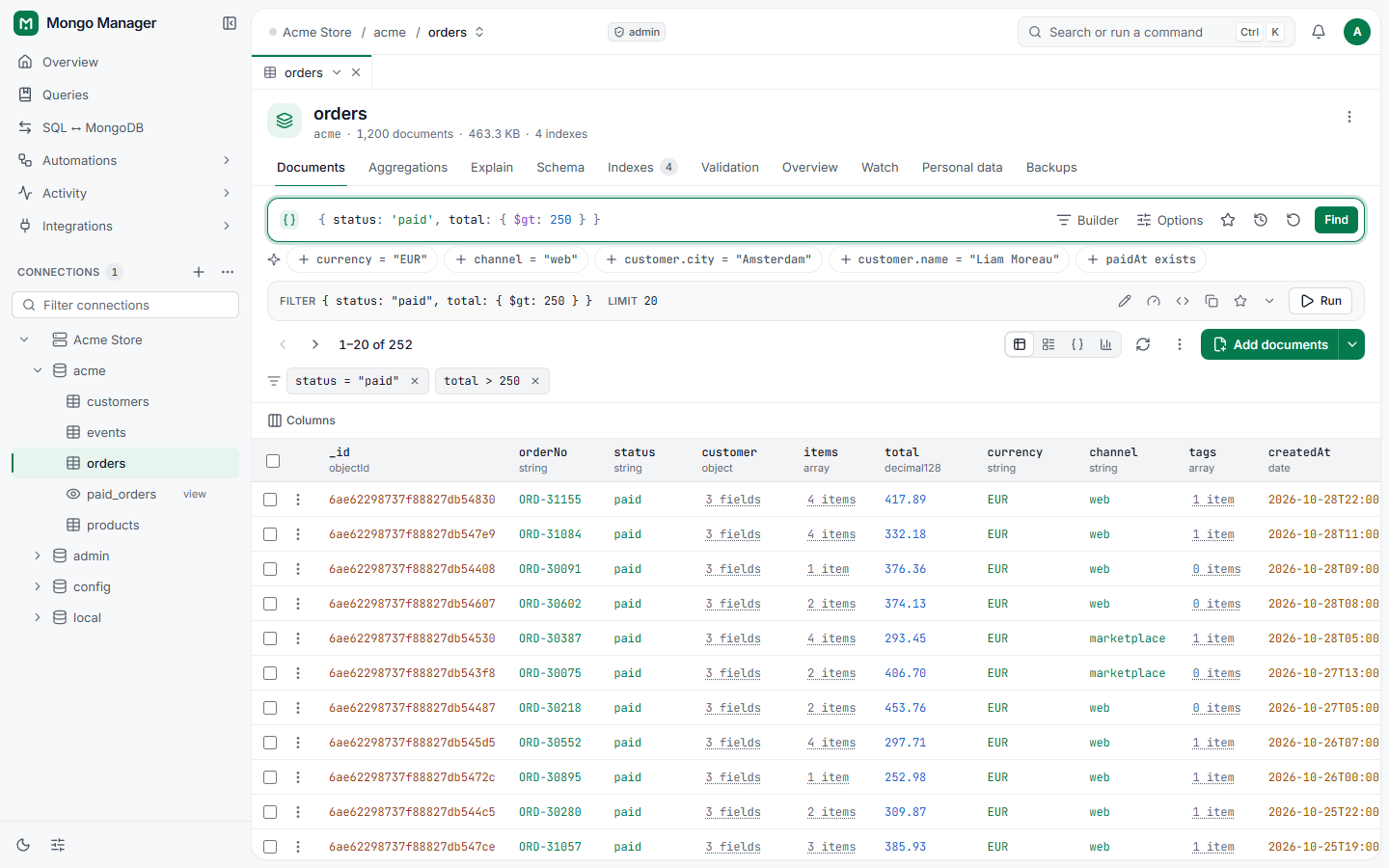
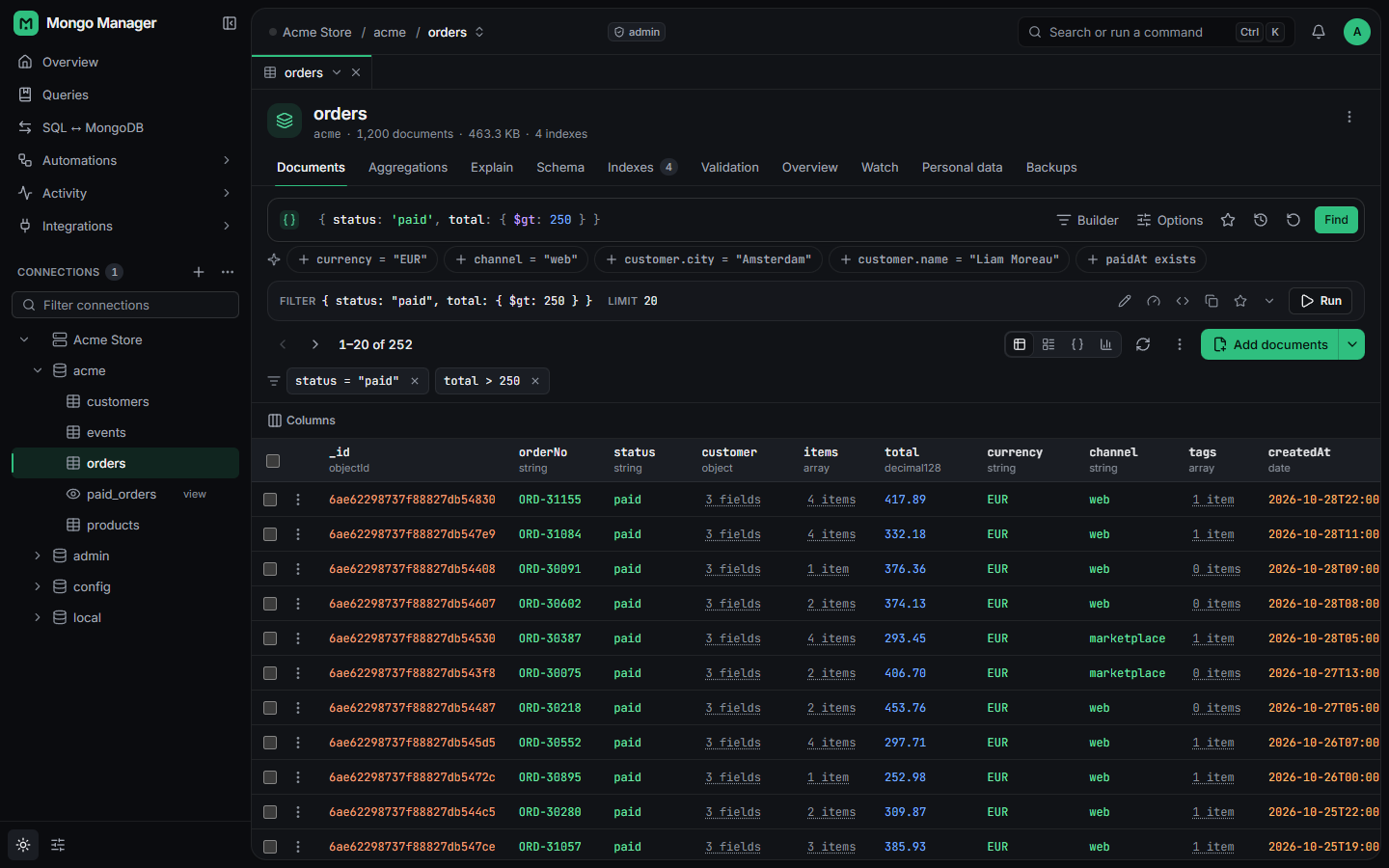
Browse and edit documents, build aggregations, read the schema, see why a query is slow and watch your servers — from one app you run yourself, with nothing sent anywhere else.
AI
Ask in your own words. The agent works with your connections by name, reads what it needs, and puts every change on a card you confirm.
From a quick look at a collection to running a team's databases.
Table, cards and JSON views; inline edits that write only what changed; bulk updates previewed before they run.
Field completion, a visual filter builder, collation and hints; a find copied as a shell command or exported to code.
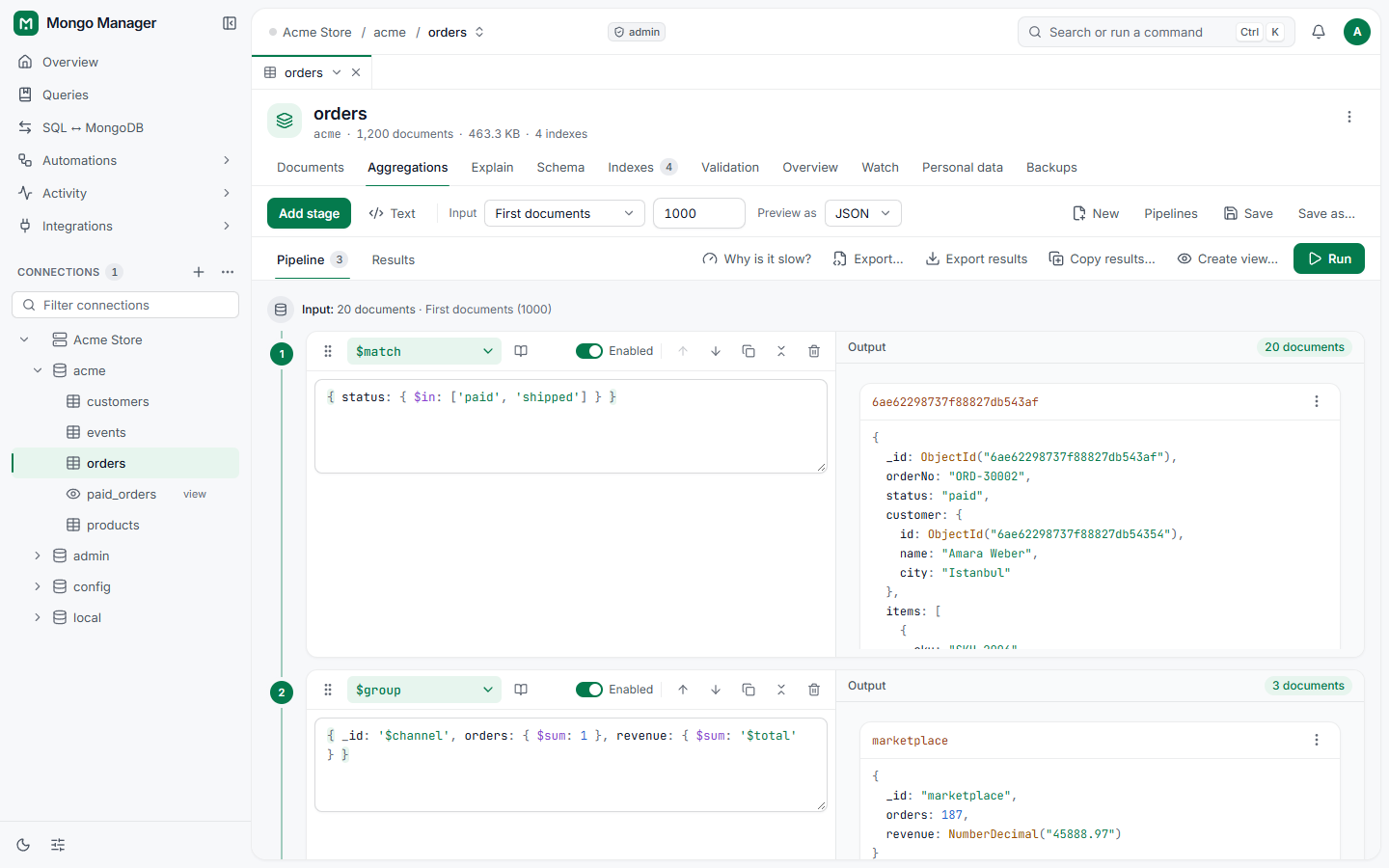
Stage cards with a live preview of each stage, a text mode, and export to eight languages.
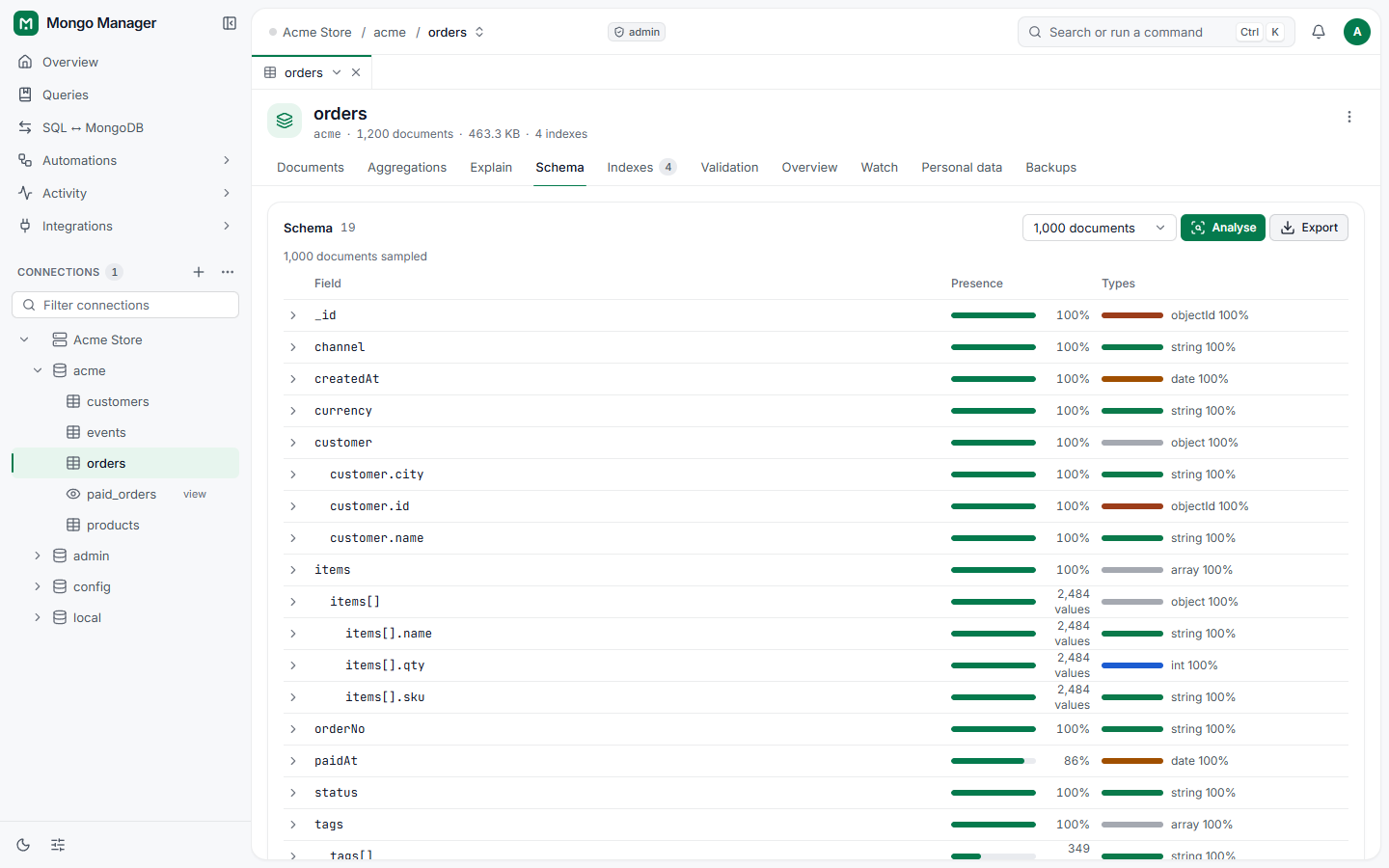
A sampled analysis of every field, index usage, and Atlas Search and Vector Search indexes.
The query plan as a tree with warnings, and the index that would help, prefilled.
Live charts with a seven-day history, slow queries, index advice, and alerts by e-mail or webhook.
mongosh's runtime in a tab, sandboxed, with every command audited.
CSV, JSON, Excel and SQL dumps; copy, compare and live sync between servers.
mongodump archives or encrypted files, scheduled, and sent to S3, Google Drive, WebDAV or a folder.
Queries, pipelines and explanations from your words, with your own provider; every change asks first.
Roles and per-connection access, two-factor sign-in, panel access by address, and an audit log.
Sandboxed tabs, actions and pages, each approved by an administrator after a security scan.
Short clips of the app at work on a sample store.
It answers from your data — writing and running the query or pipeline it needs — and proposes each change on a card: confirm it, or decline and nothing is written.
Type a filter with field completion, or click a value to add it; results page in a table, cards or JSON.
Each stage shows its output on a sample as you type; run it, save it, or export it to code.
A sampled analysis of every field: its types, how often it is there, and its values.
The query plan as a tree, with the step that read the whole collection and the index that would help.
The command palette (Ctrl+K) finds any command, collection or setting.
Operations, connections, network and memory, live and over seven days, with alerts.
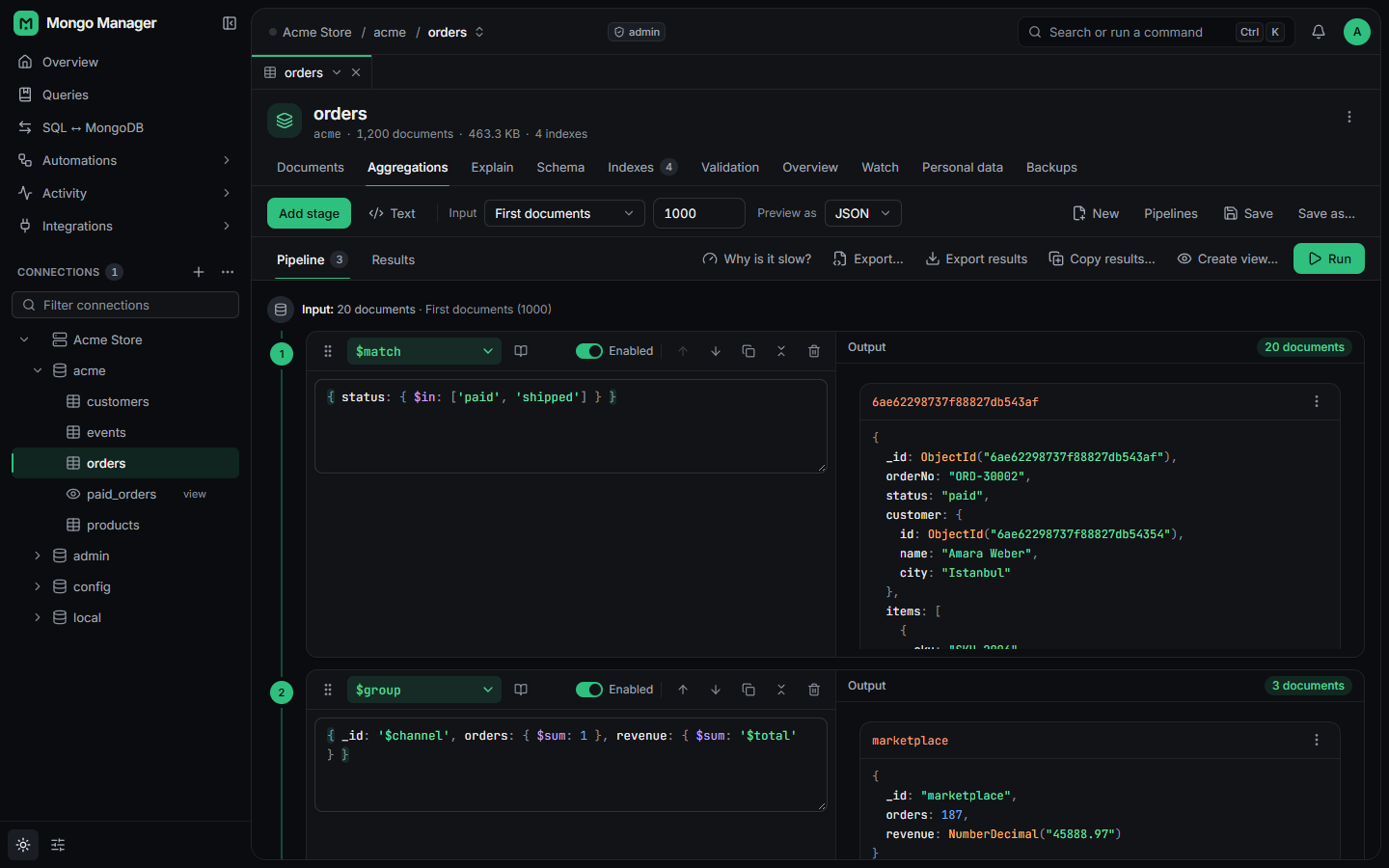
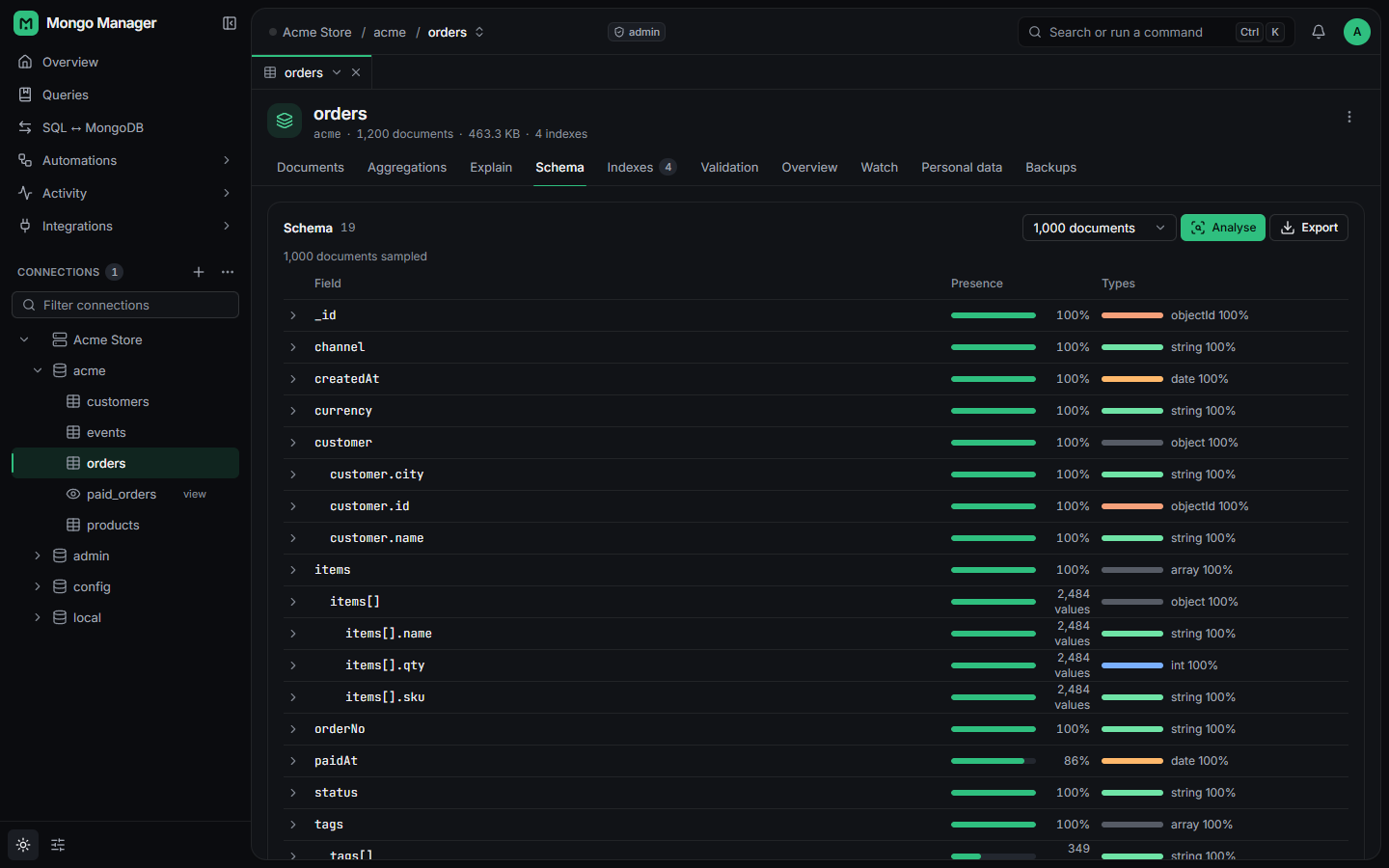
Shown in this page's theme; select one to enlarge it.
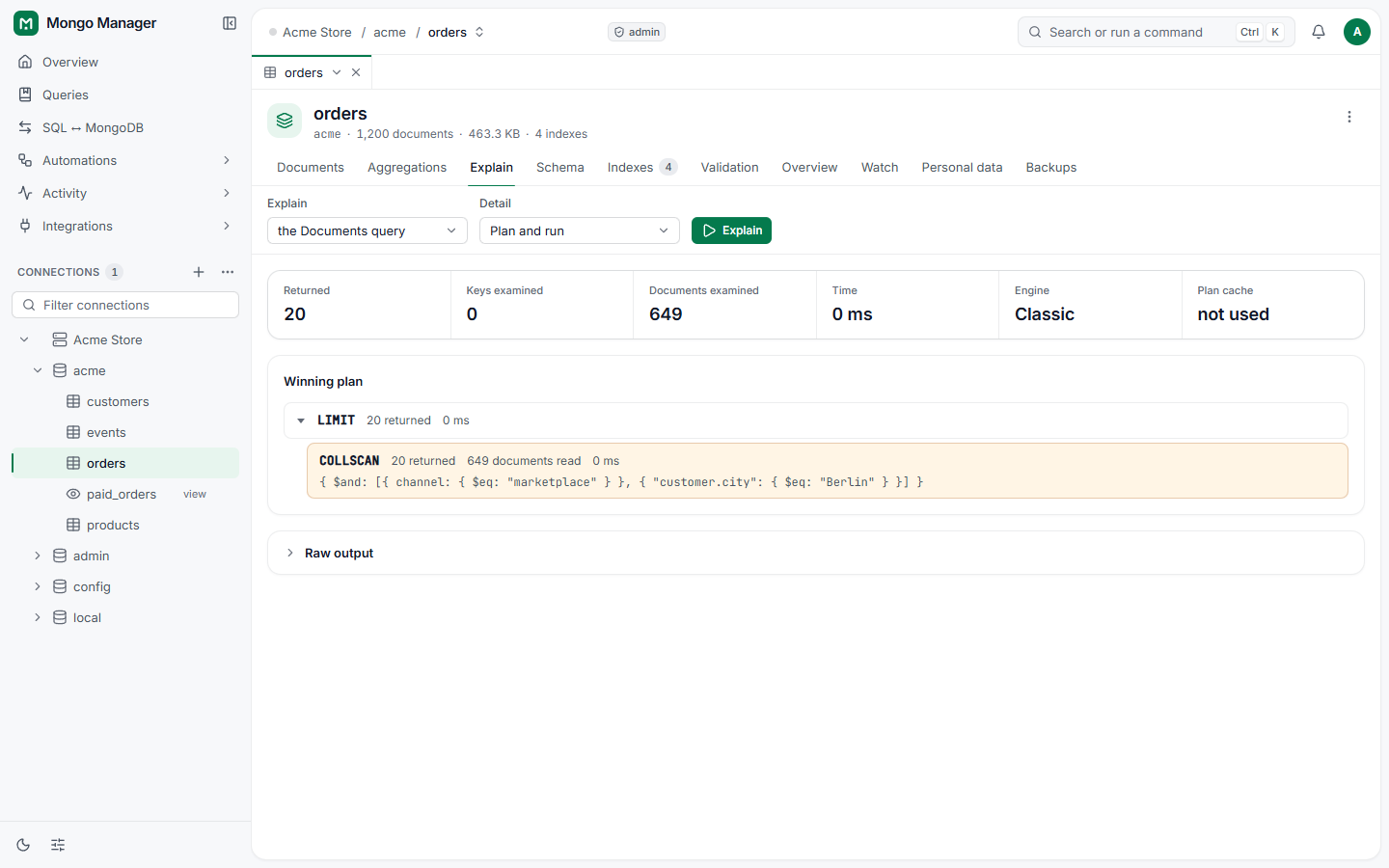
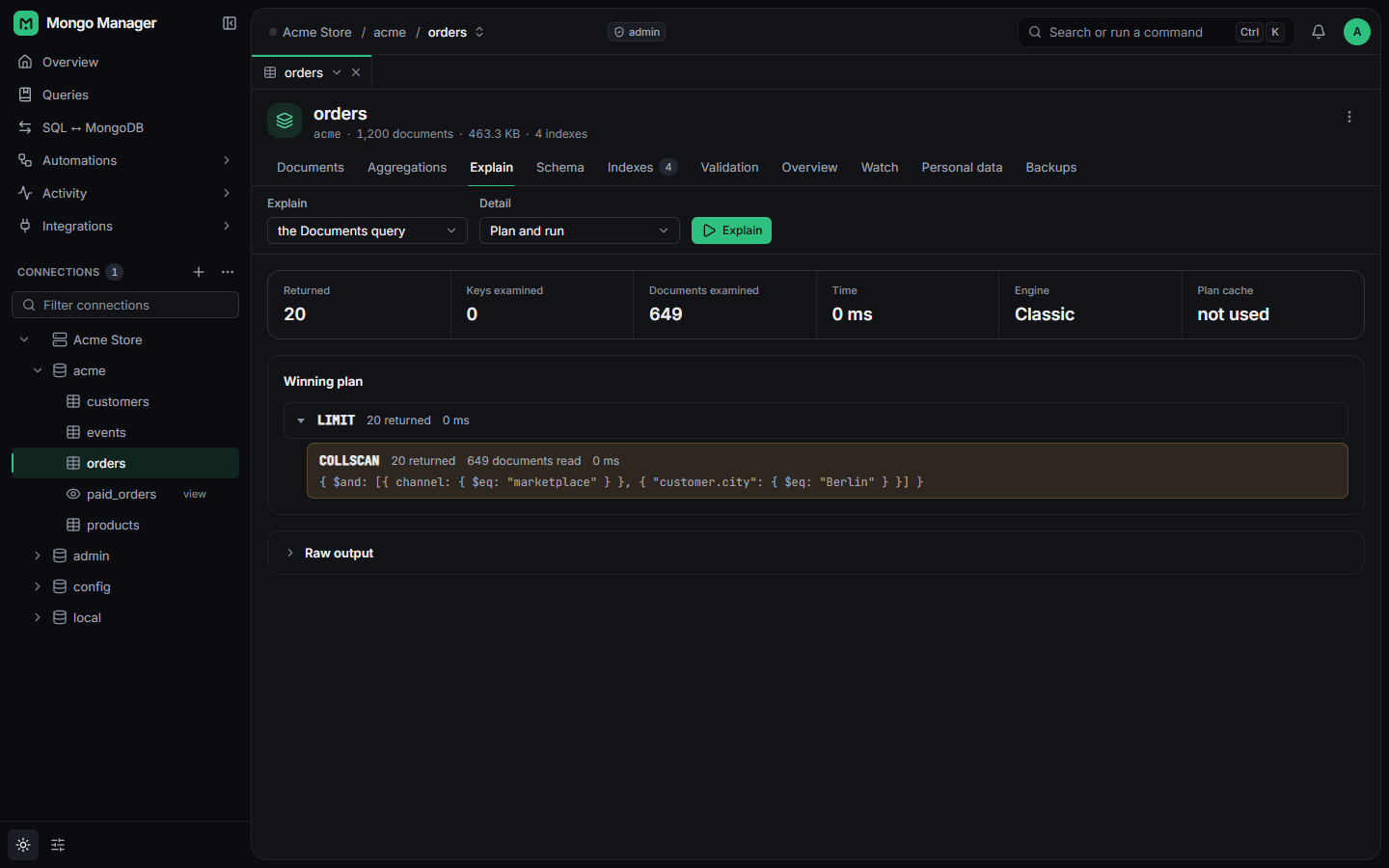
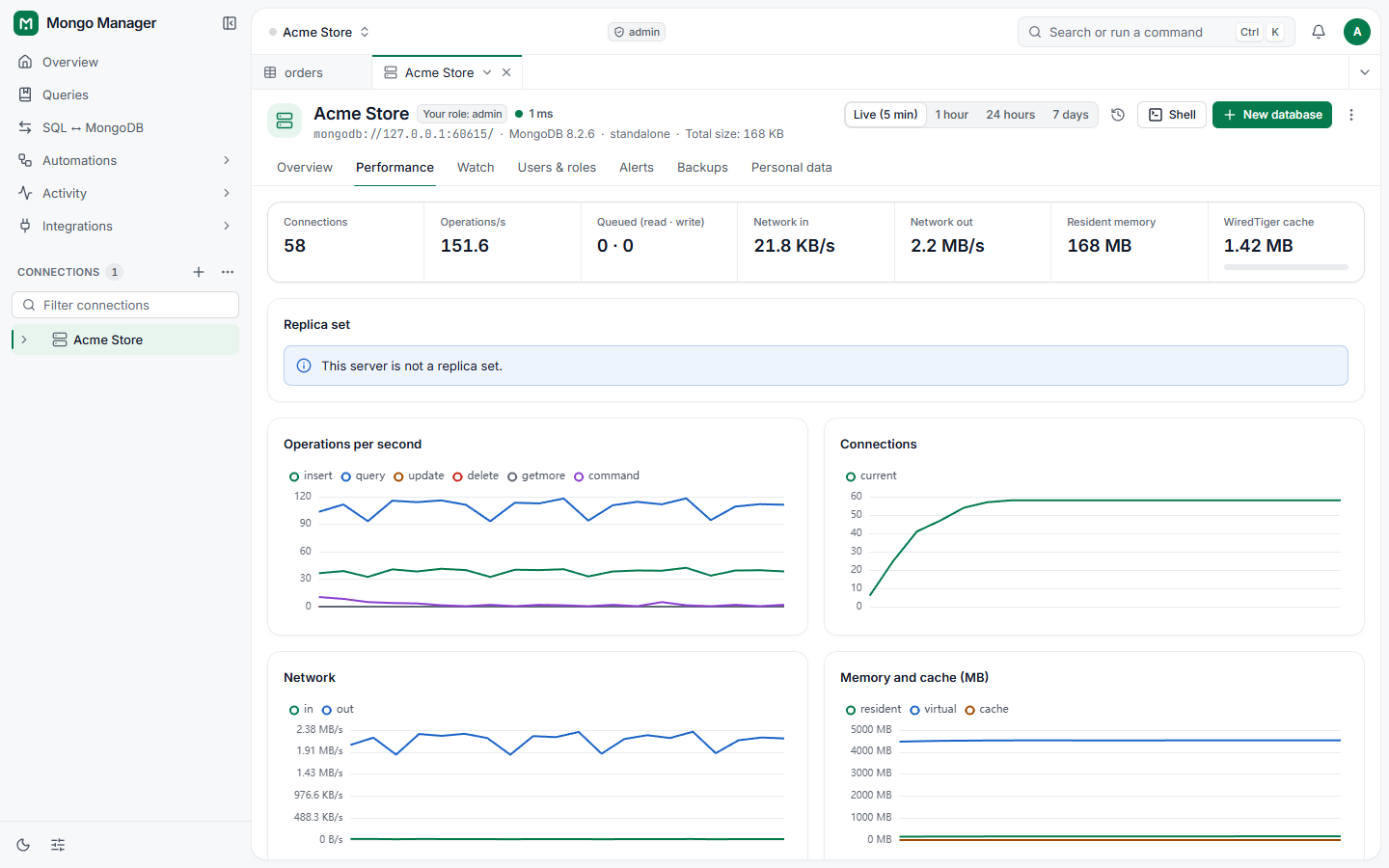
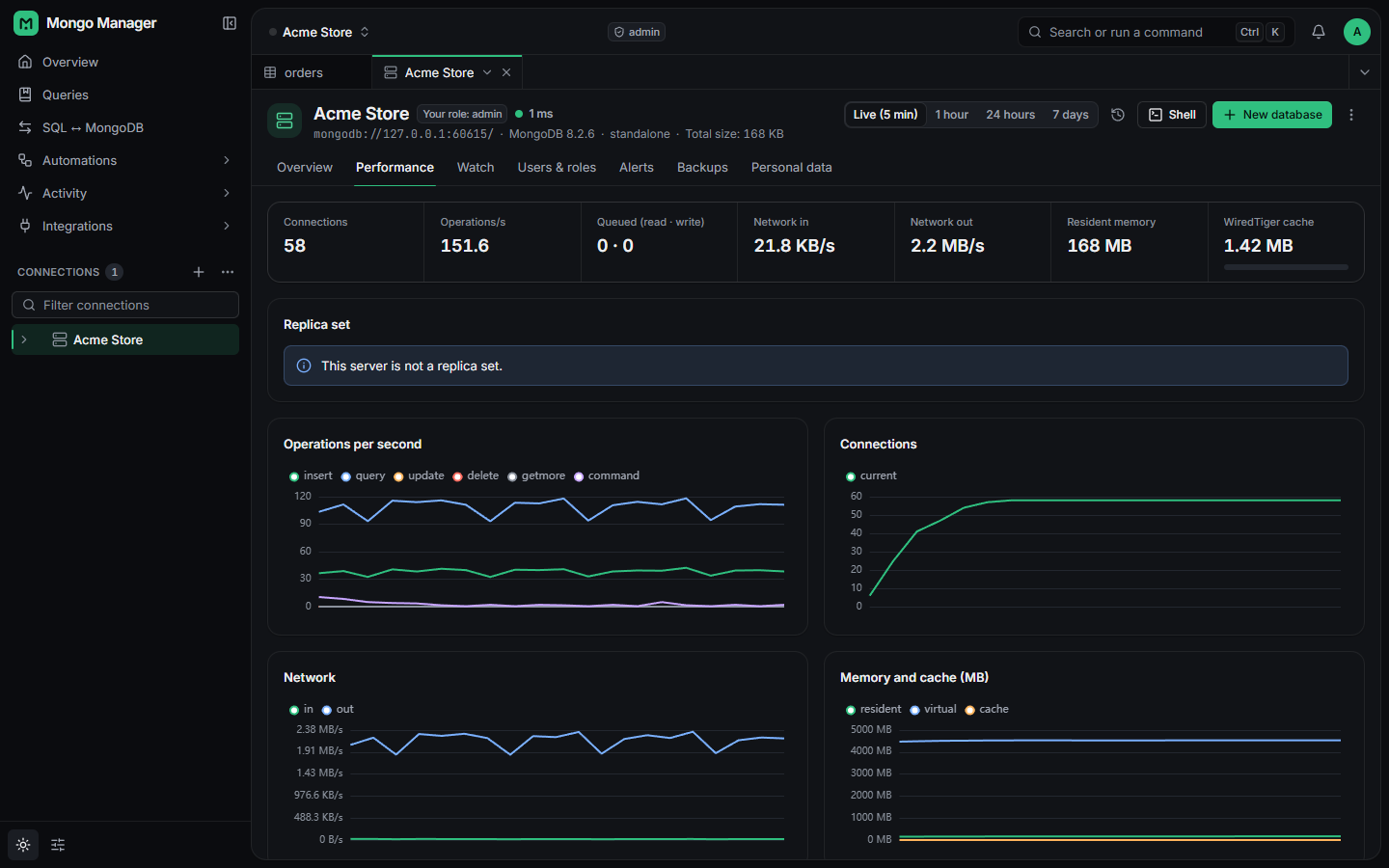
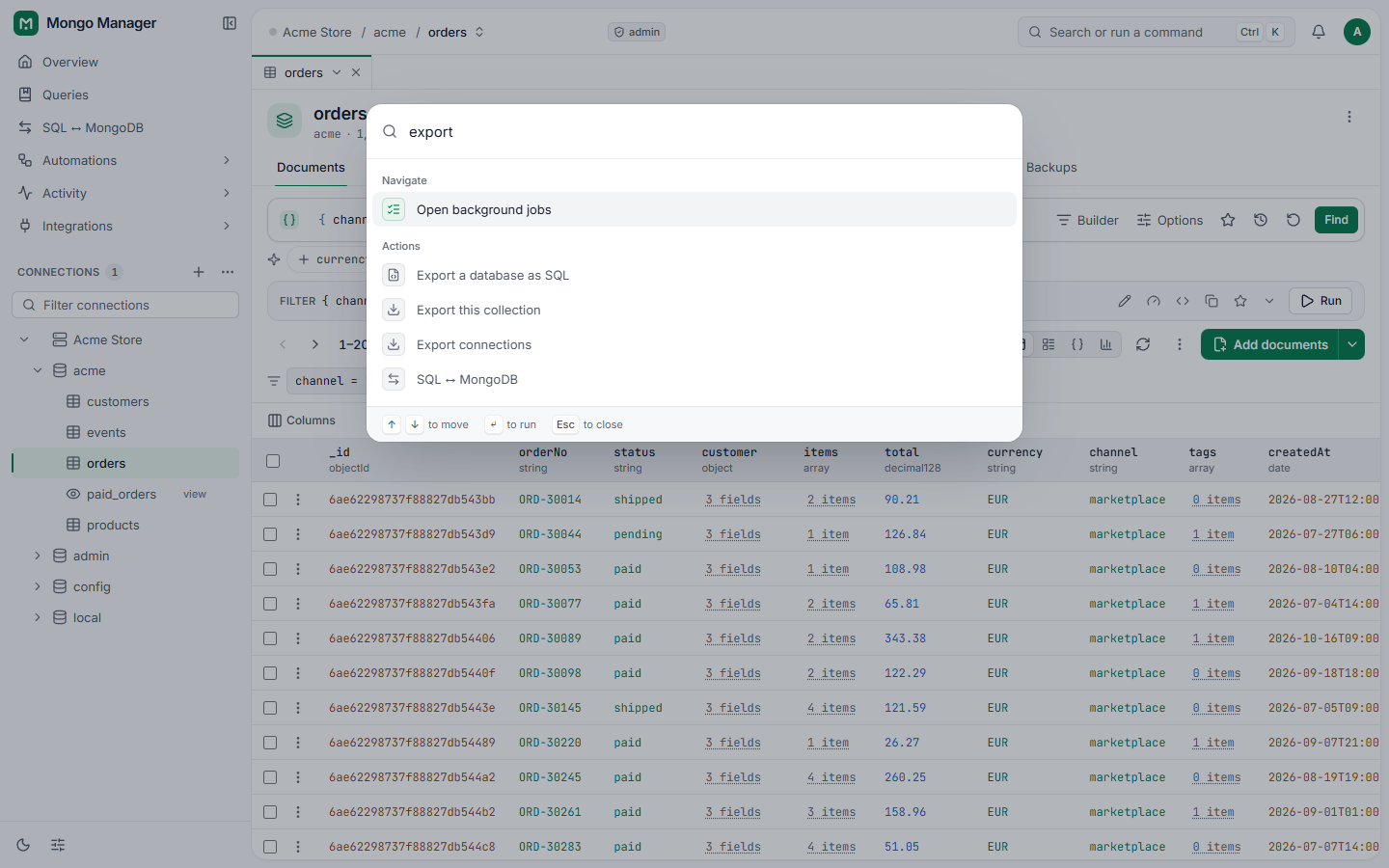
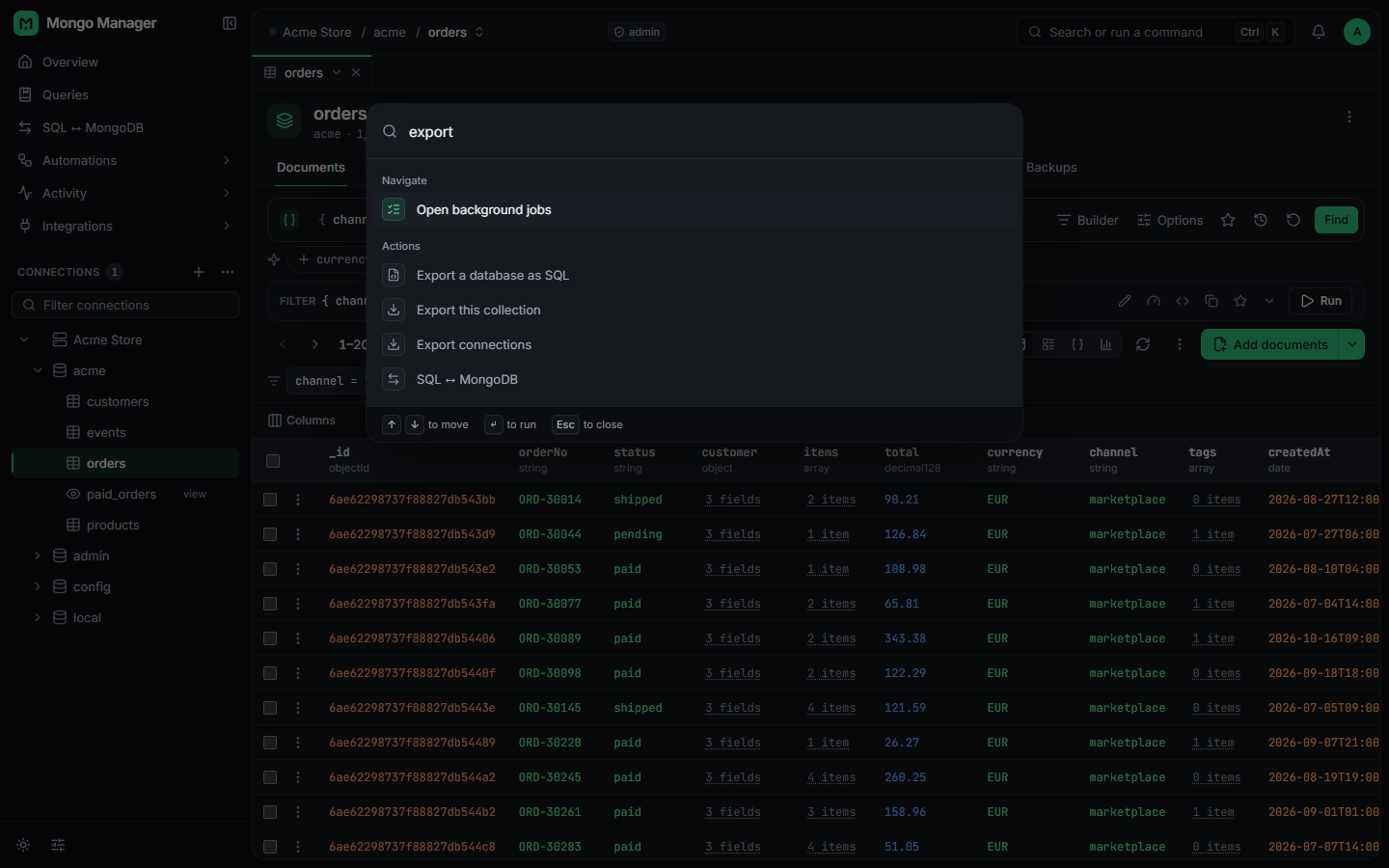
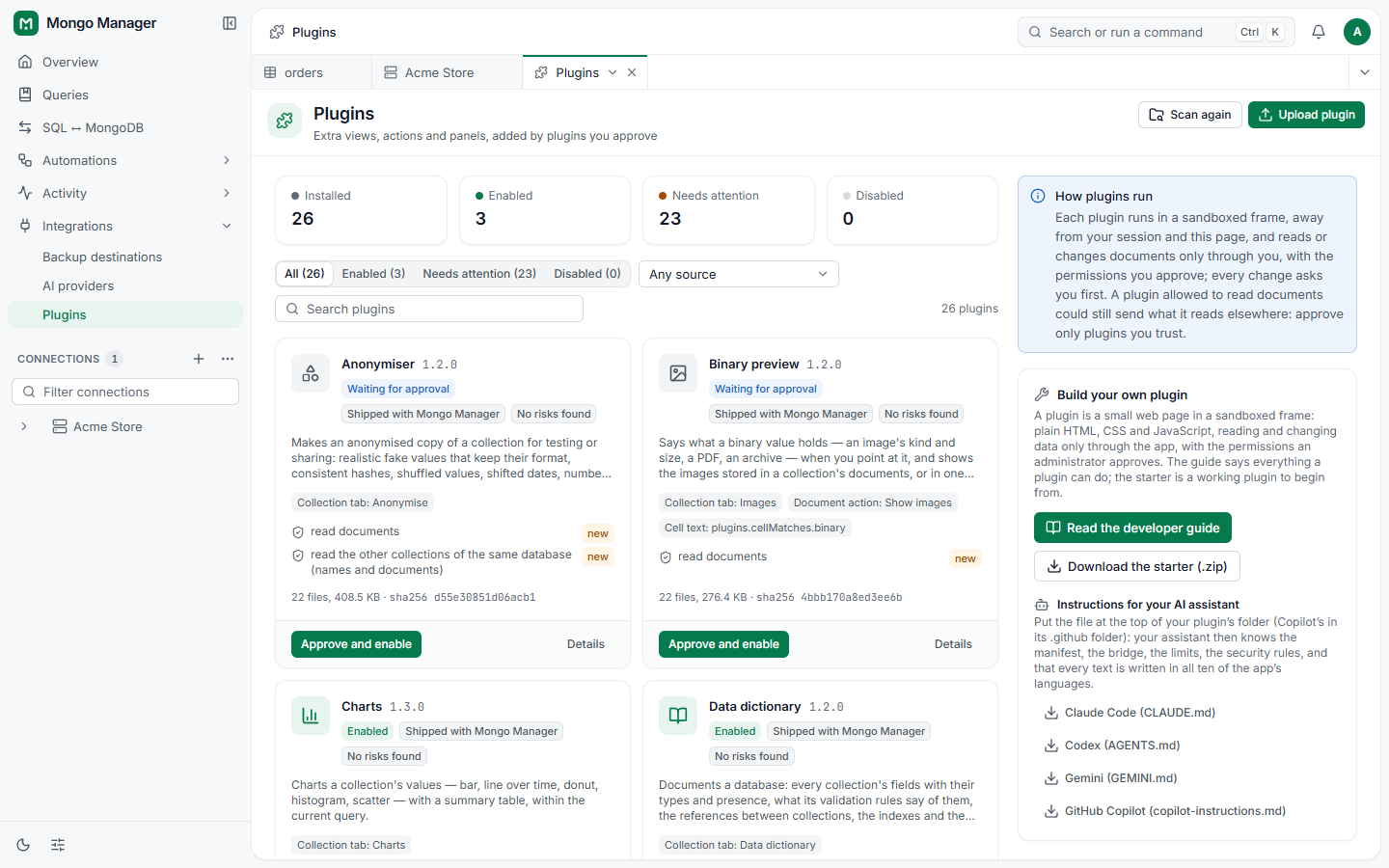
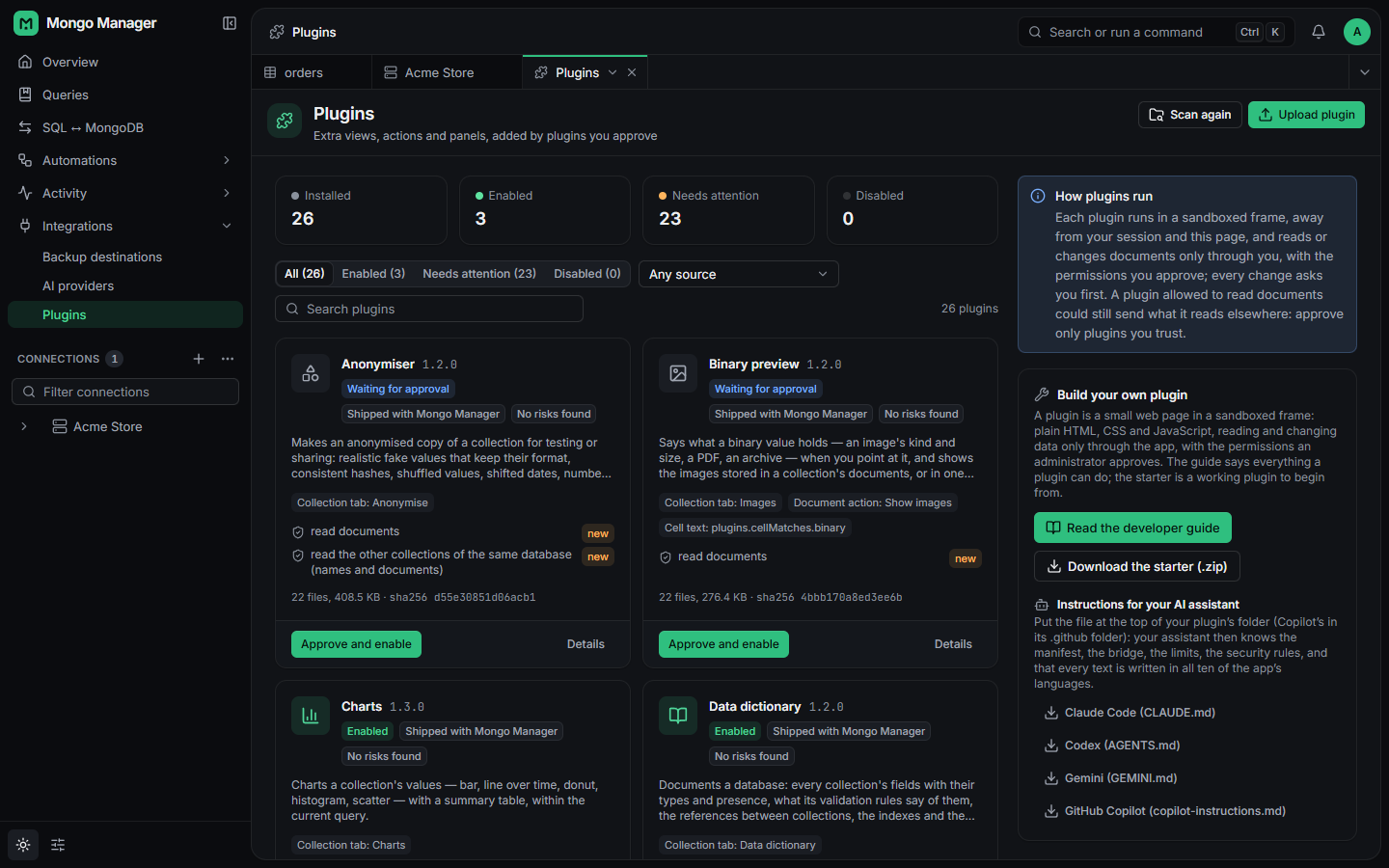
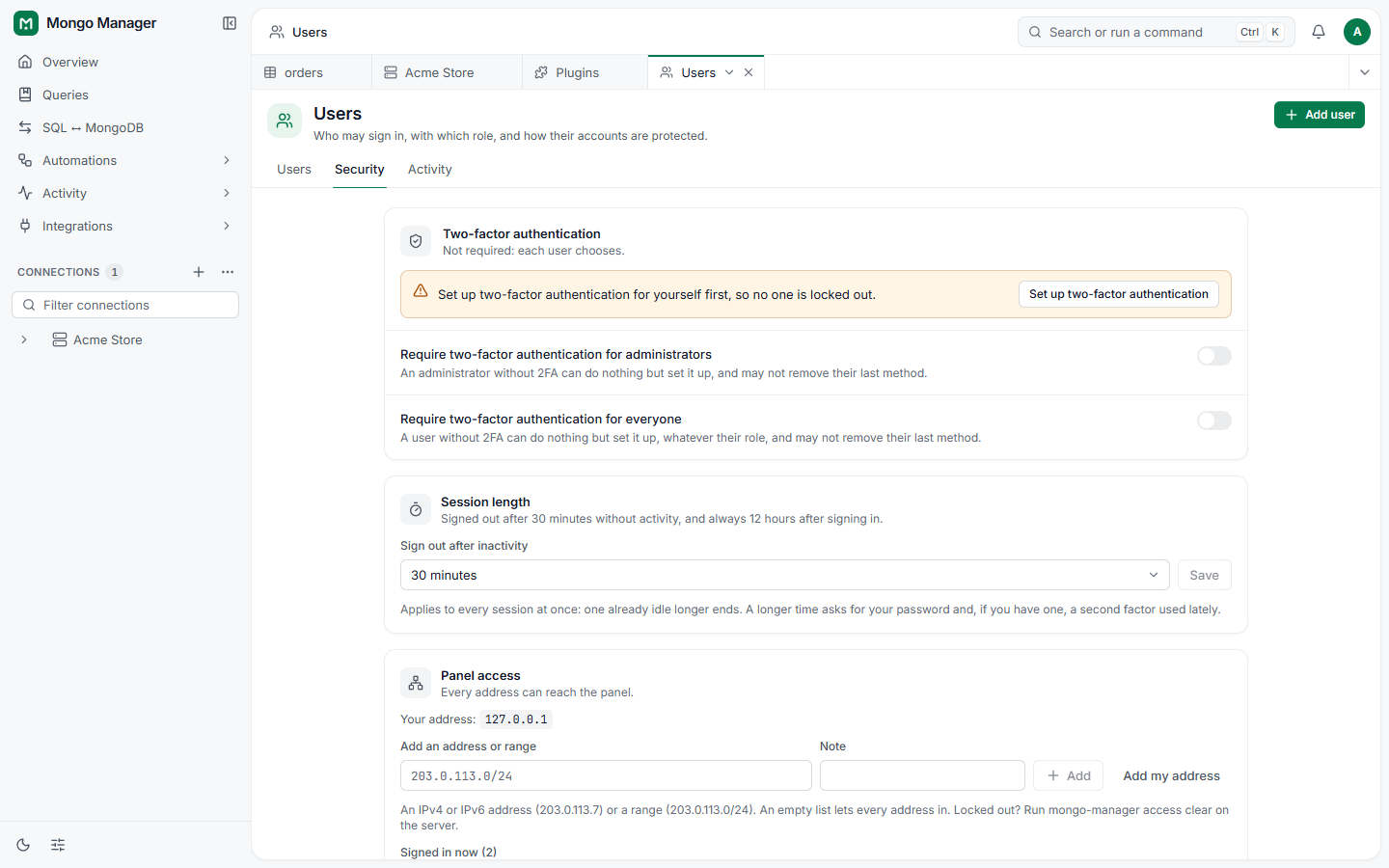
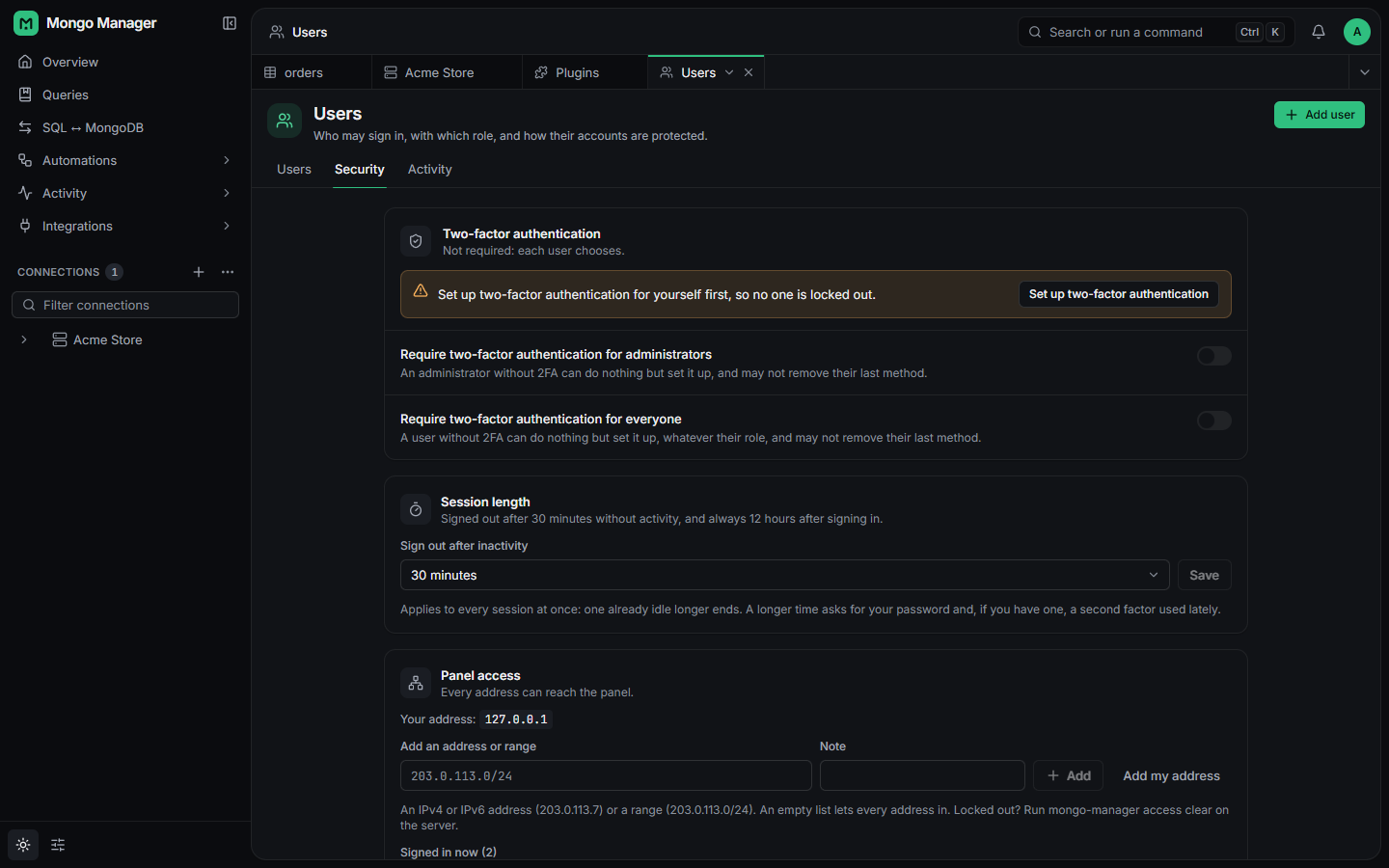
Mongo Manager runs on your machine or your server and talks only to what you configure.
Pick one. Every release ships SHA-256 checksums, so it also works on an air-gapped machine.
npx @mongo-manager/app
Needs Node.js 24 or later. To keep it: npm install --global @mongo-manager/app.
docker run -d -p 127.0.0.1:4321:4321 -v mm-data:/data
                  ghcr.io/mongo-manager/mongo-manager
Your data stays in the mm-data volume.
Download the file for your system from the latest release and run it: Linux x64 and arm64, Windows x64, macOS arm64. It carries its own runtime and the web app.
Then open http://127.0.0.1:4321. For a team, start it with --auth: the
first start prints a one-time setup token.
Later versions come from the About page: an administrator checks and presses Update.
Yes, commercial use included. Mongo Manager is licensed under the GNU AGPL v3.0 with additional terms: you may use, change and share it for any purpose; a changed version is shared under the same license with its source, also when it is used over a network, keeps the copyright notice and the line “Based on Mongo Manager by Gokhan OZGEZER”, and does not use the name Mongo Manager or its logo.
No. The app loads nothing from other sites, and the server reaches only your MongoDB deployments and SSH hosts, and the AI providers, backup destinations, plugin installs and update check you turn on.
MongoDB 6.0 and later: standalone servers, replica sets, sharded clusters through mongos, and Atlas.
Yes. Start it with --auth for team mode: accounts with admin, editor and viewer roles, per-connection access and two-factor sign-in.
No. The assistant is optional; turned on, it works with Anthropic, Google Gemini, any OpenAI-compatible server or Ollama on your own network.
Ten: English, Turkish, Simplified Chinese, Japanese, Spanish, Brazilian Portuguese, Korean, German, French and Russian.
From the About page. An administrator presses Check now, or turns on the daily check, and installs a new version with Update: the npm package, the standalone binary, a service and Docker all update themselves, and a release that needs a newer Docker image says which docker pull to run. Version 1.1.0 is the first that does this: install it by hand once.